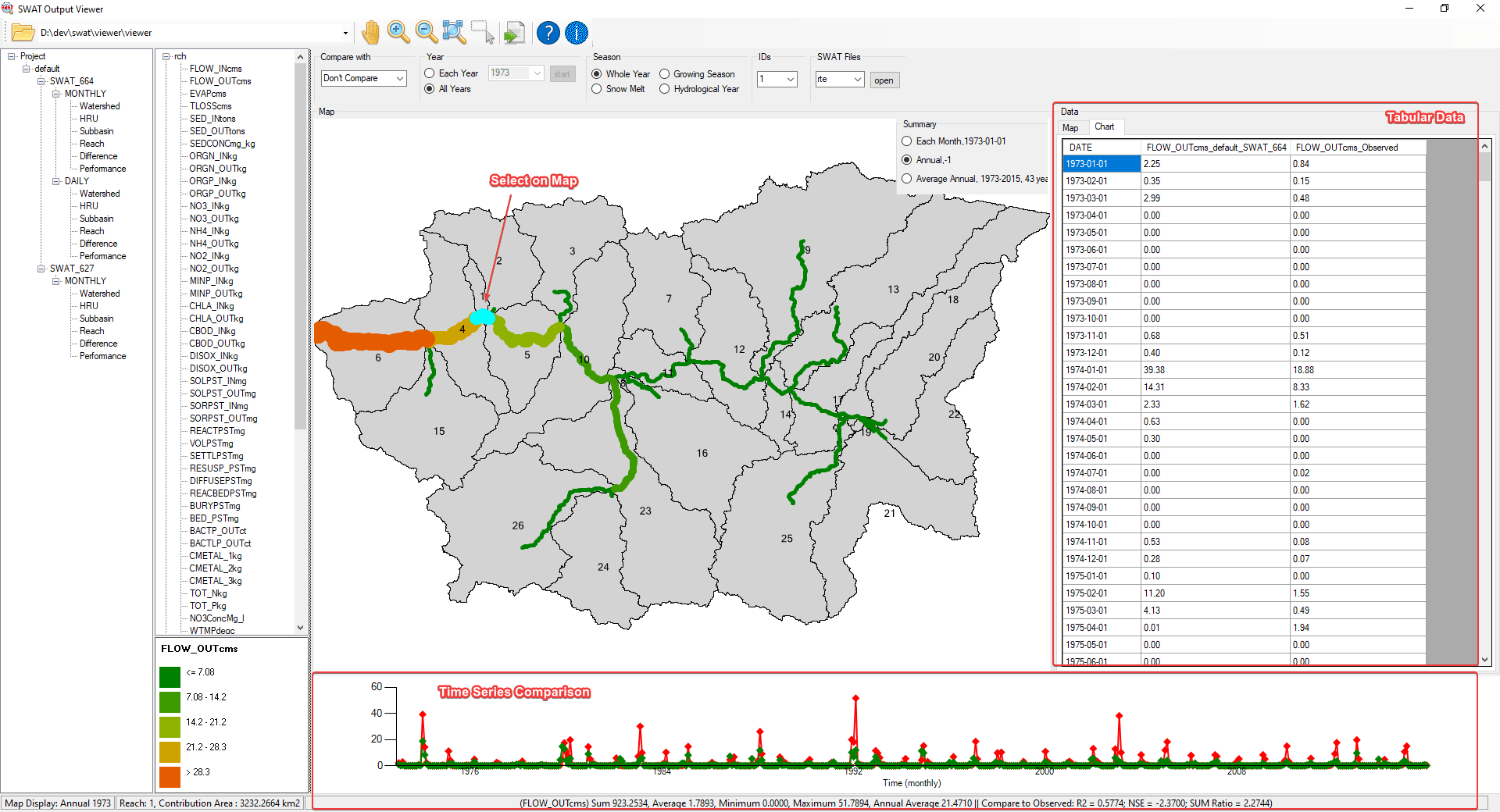
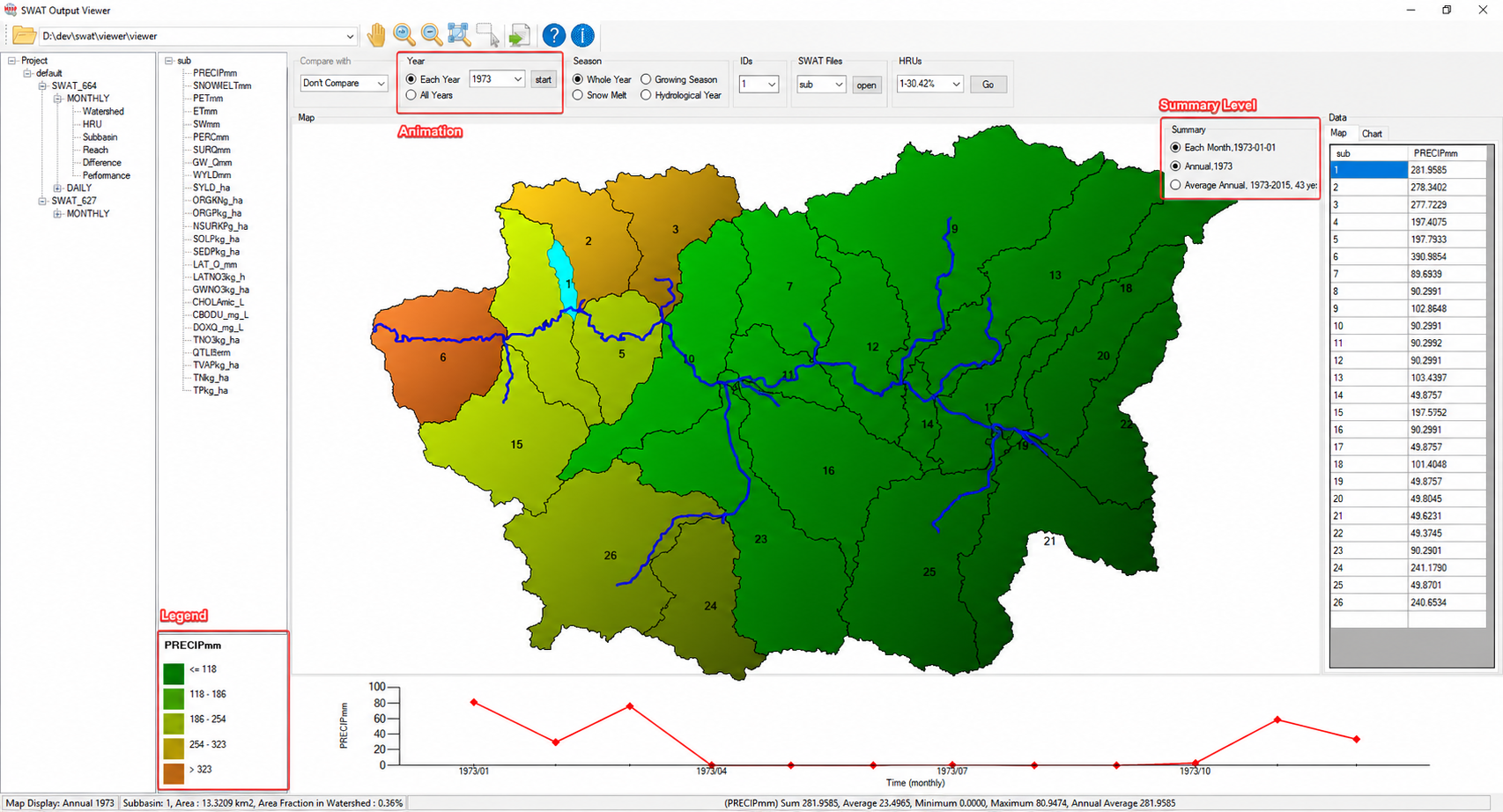
Understand results spatially
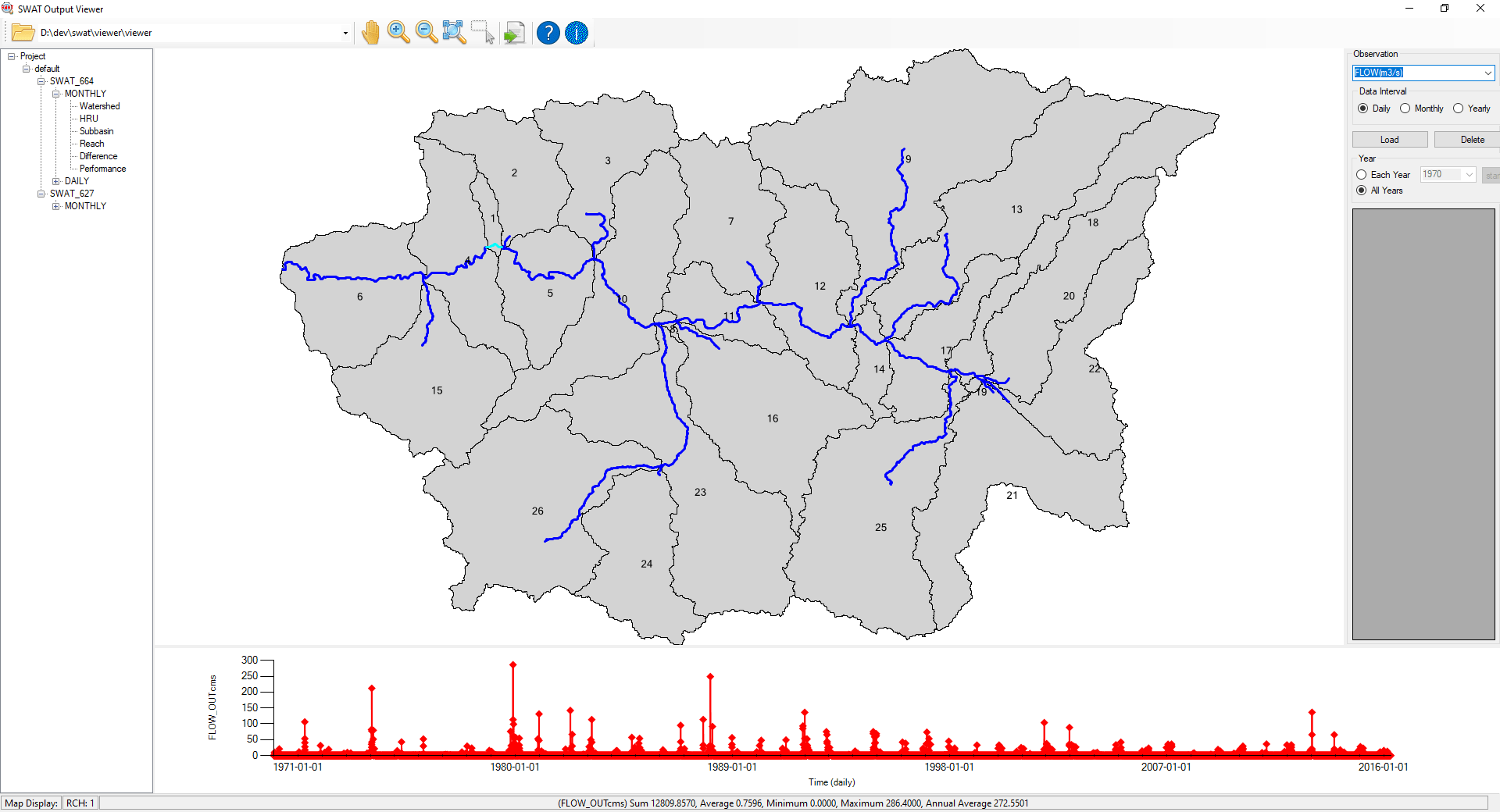
Understand and present your model with dynamic thematic maps that make patterns and hotspots easy to see.
 SWATOutput ViewerDownload free ↘
Explore, compare, calibrate, and present your watershed model.
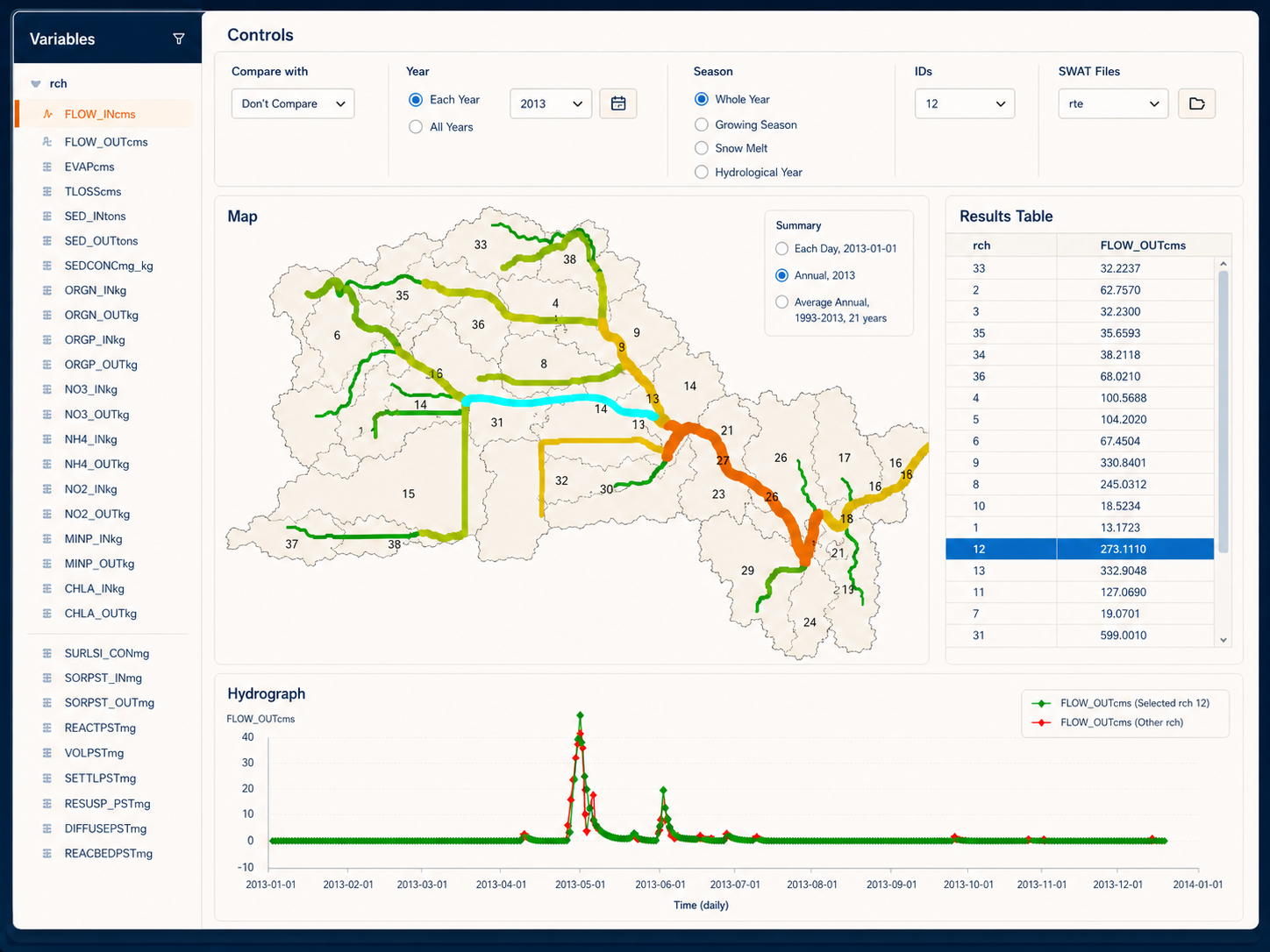
One workspace. Every answer.
Understand and present your model with dynamic thematic maps that make patterns and hotspots easy to see.
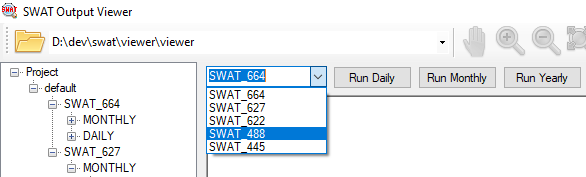
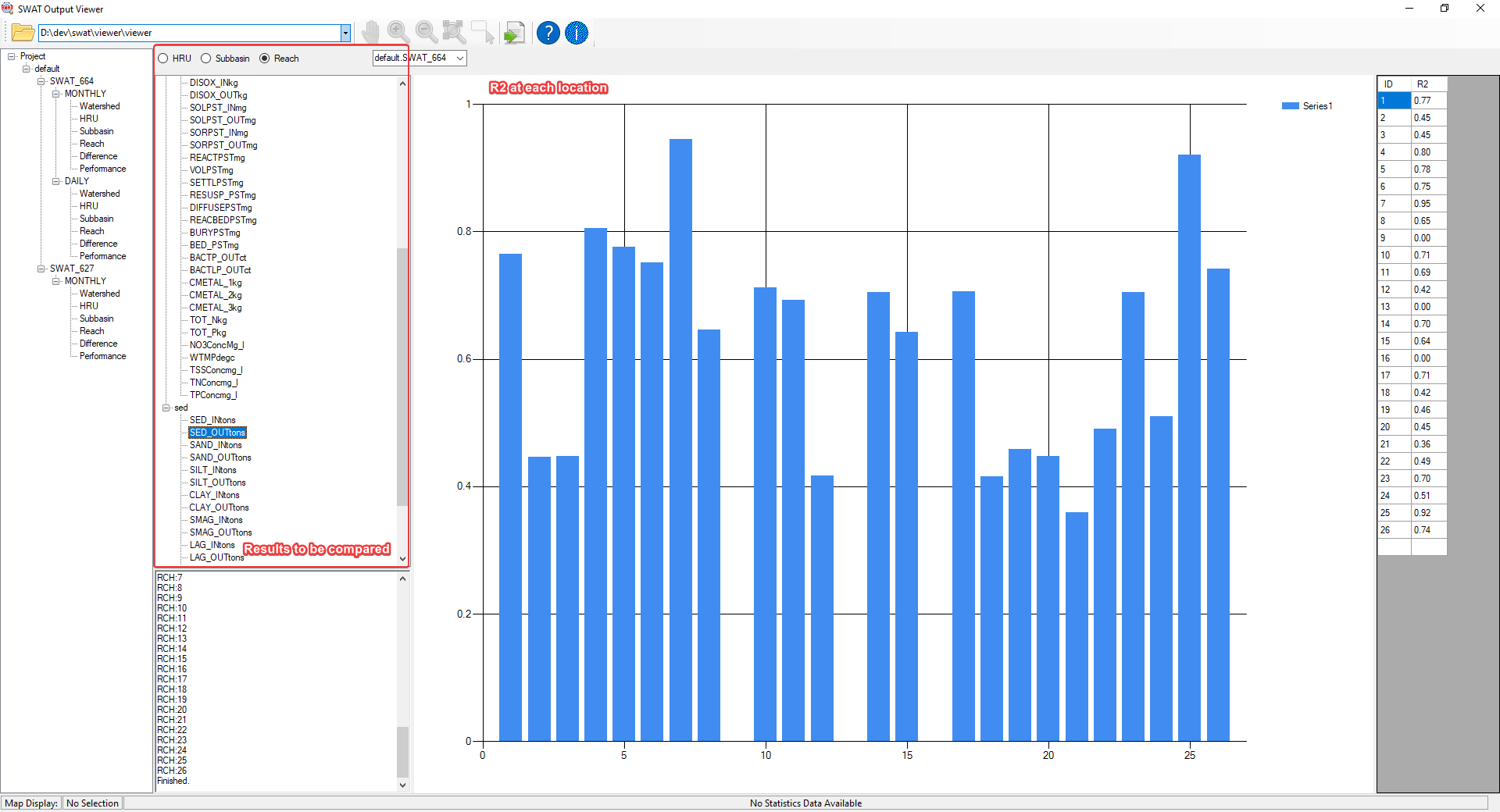
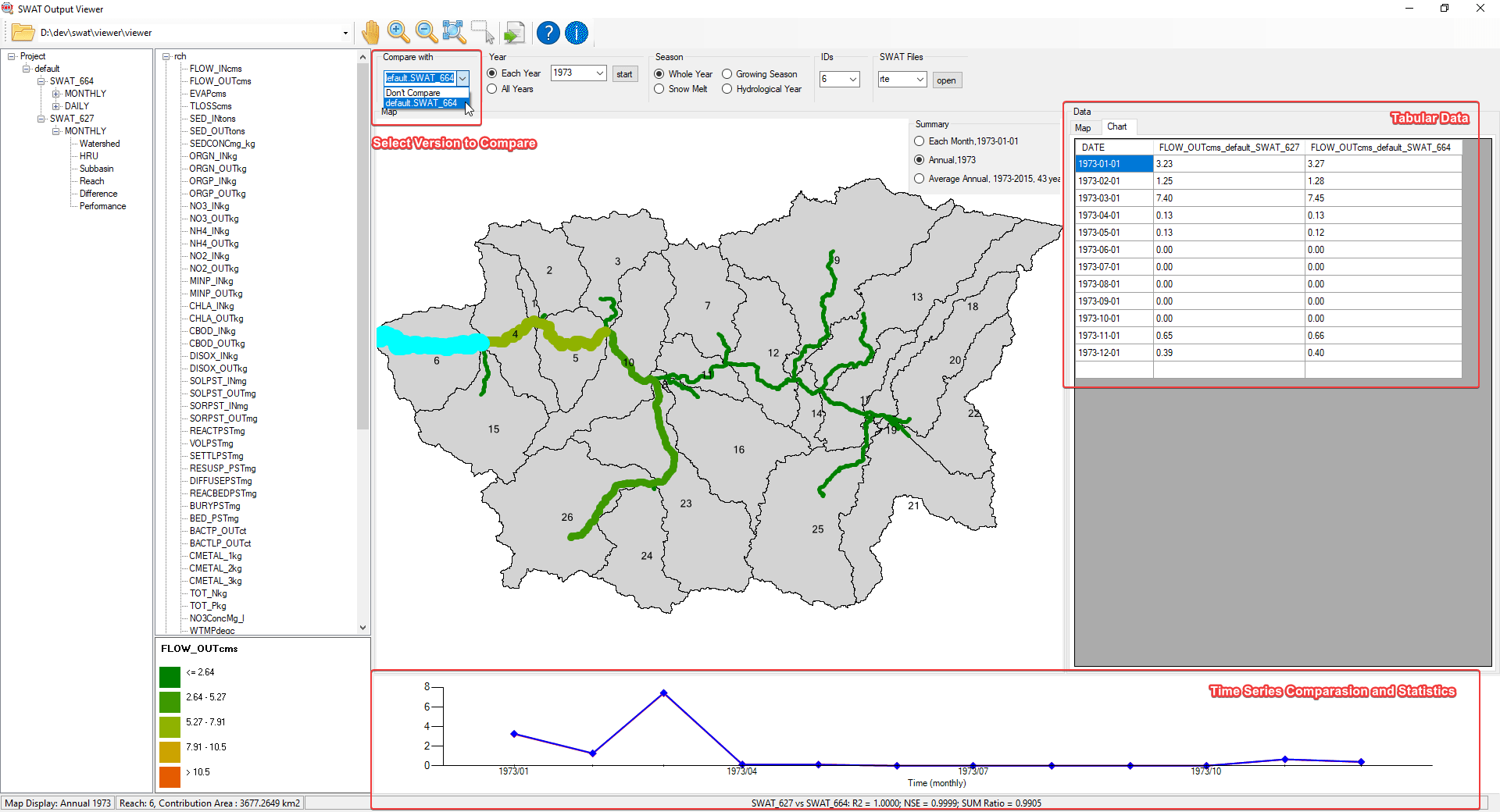
Compare simulation engines and scenarios side by side to see changes, anomalies, and trade-offs quickly.
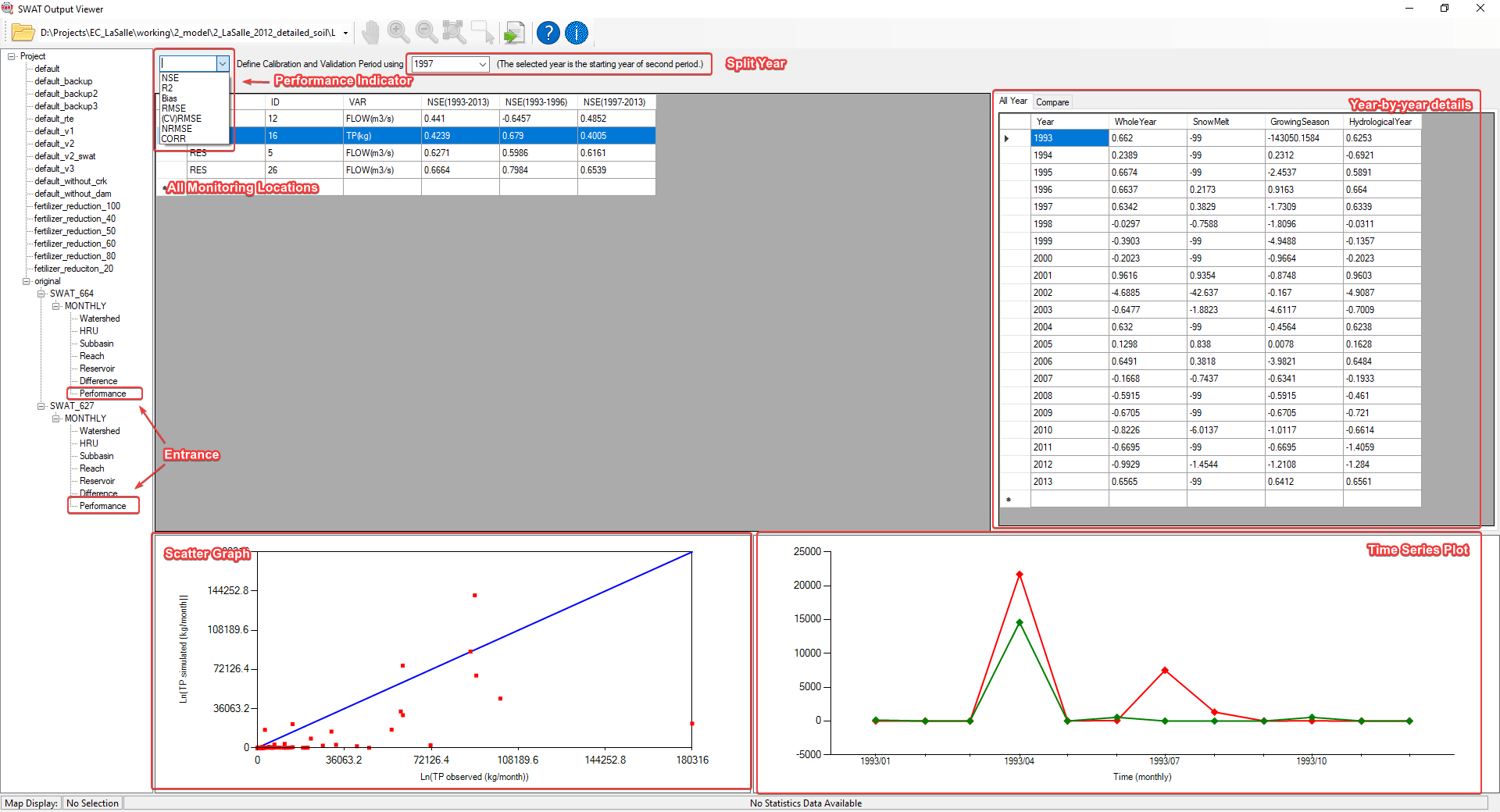
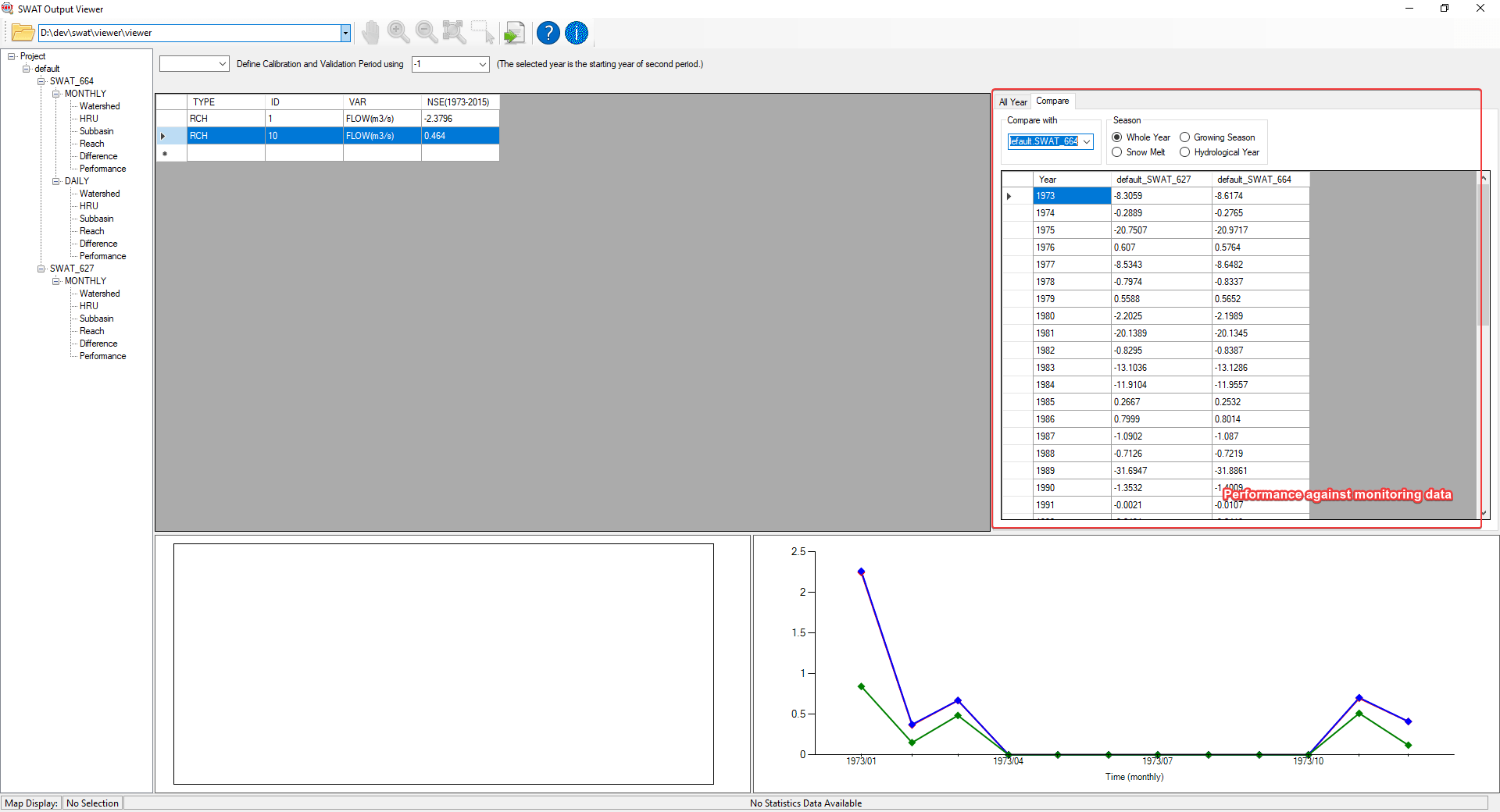
Import flow, TSS, TN and TP observation once and evaluate model performance.
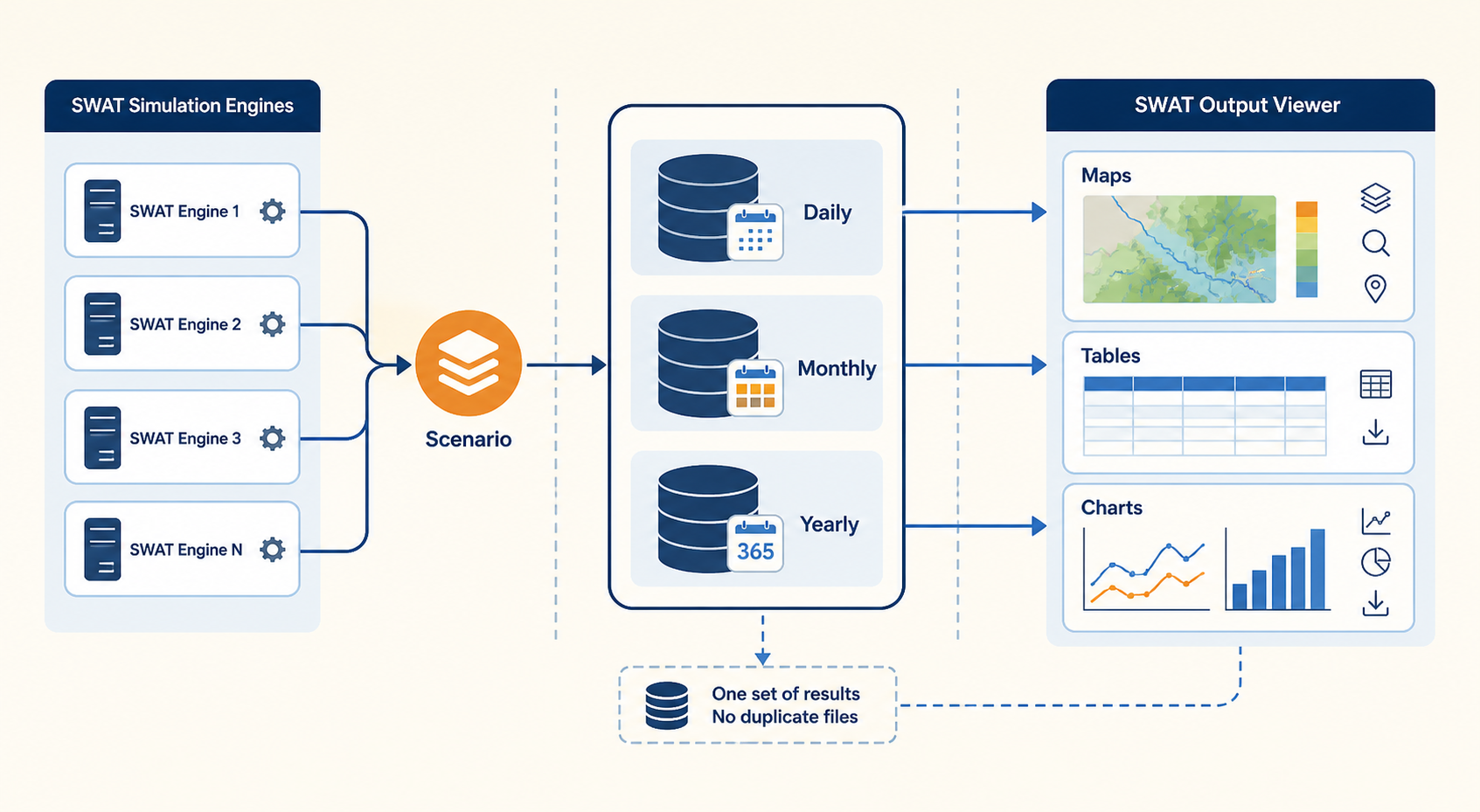
Run standard or customized SWAT engines in the same scenario and keep results ready for maps, tables, and charts.
Useful at every table
Run simulations, check performance, compare engines, and communicate results.
Review model performance and turn technical findings into a clear project story.
Explore what the model says and assess how it can support real decisions.
Downloaded worldwide
Visitor totals supplied from historical site analytics. Hover over or select a country to see its total.
Free Windows installer
Tell us a little about your work. We’ll email you a secure download link that remains active for 48 hours.
Expert support
Get direct, experienced help with the complicated parts of SWAT—from calibration problems to customized engines.
Contact us →Practical help for technical questions during model creation and calibration.
Adapt SWAT Output Viewer to the workflows, outputs, and decisions unique to your team.
Translate research ideas into working changes in the SWAT source code.
Connect customized SWAT versions so they run and compare inside the viewer.
Contact us
Send your question directly to the SWAT Output Viewer team. We’ll reply to the email address you provide.
support@swatviewer.com